

Intro
Frequency Separation is the act of separating a photo into two: color & texture. Having them split enables you to effect the color while not effecting the texture and vice versa. It has been a staple method in many photographers retouching workflows. I have a video where you can see the method done here: How to do Frequency Separation in Photoshop
In this tutorial I’m going to demonstrate how to use the old school FS retouching technique in unison with Portraiture, as well as a few tricks for evening out skin tone. Using them together significantly cuts down on the time it takes to complete an image. As with any technique, it can be taken too far, so remember to stay subtle. Fill and Opacity are your friend.
Free Frequency Separation action download (a false address can be used)
The tutorial
THE RETOUCH
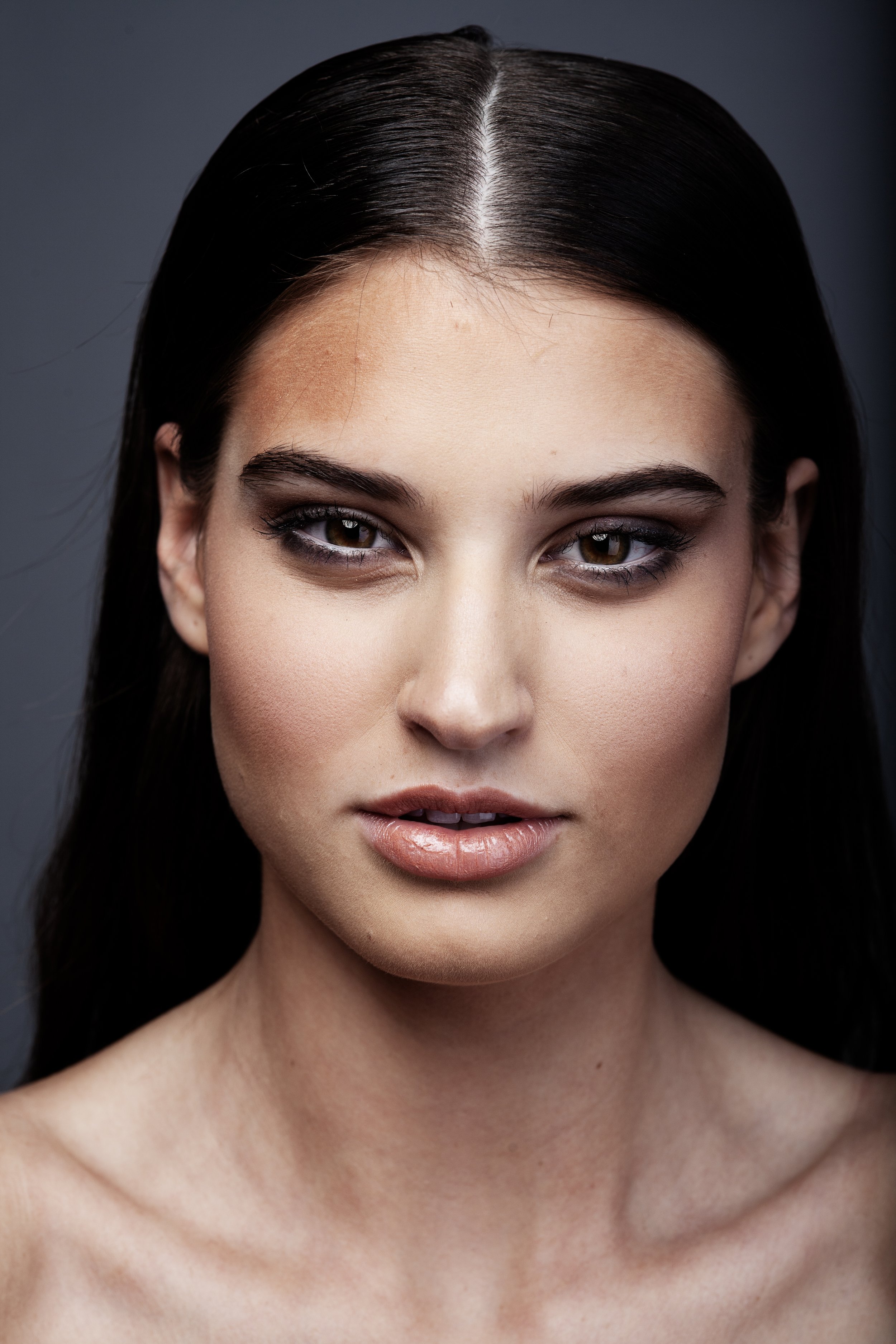
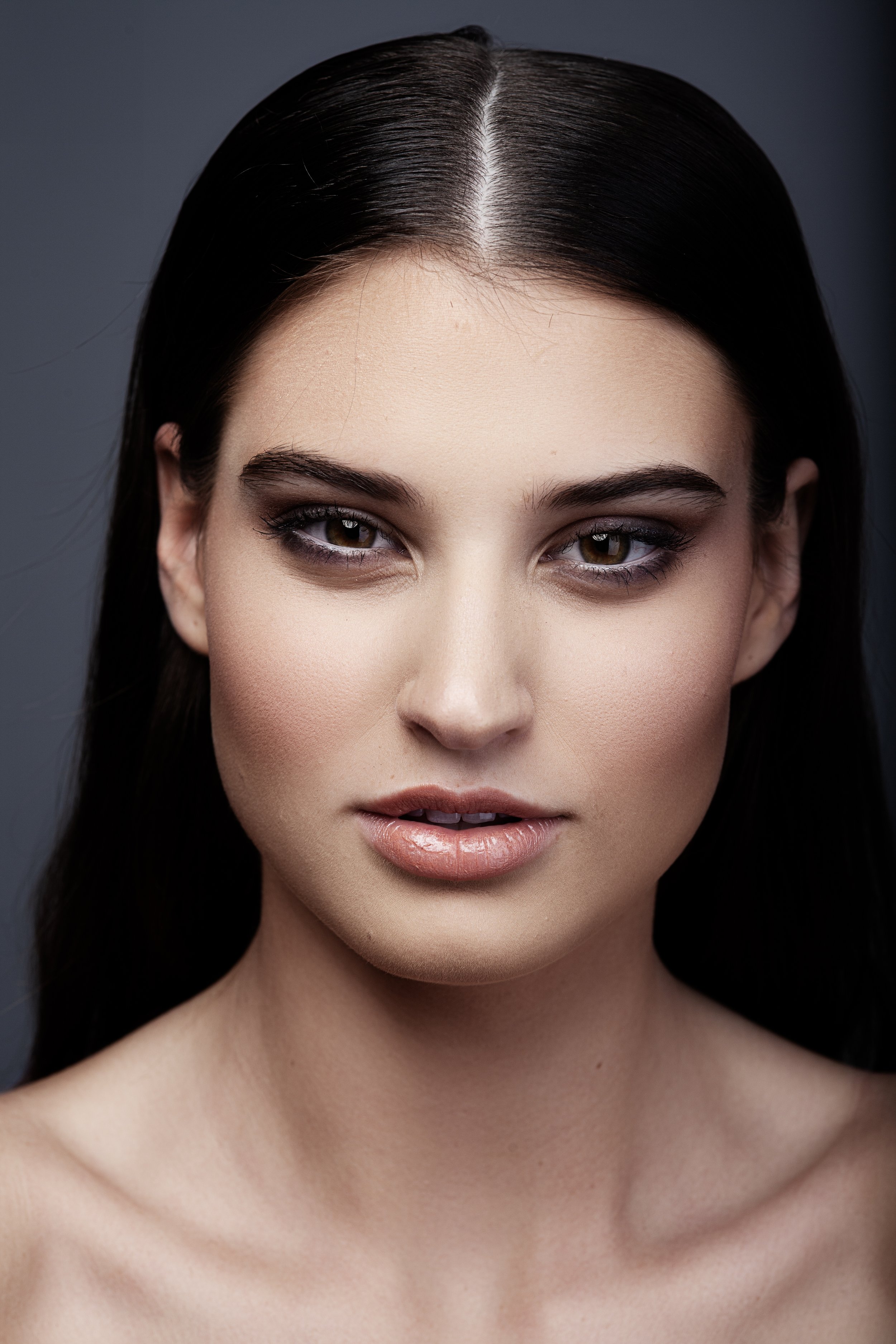
Photo color graded using my Editorial Skin Tone Actions.

I’m going to share with you my film photo booth locations around New York City. Updated as of September 2026.

In this tutorial I’m going to demonstrate how to use Frequency Separation and Portraiture in unison to create a great edit.

I’m going to share with you my favorite Ai retouching tool that you have to have in your workflow.

In this post, I’m going to share with you cost-effective options for tethering on commercial photography jobs.

In this post, I’m going to share with you a document I created to help me keep track of the photography jobs I’m working on

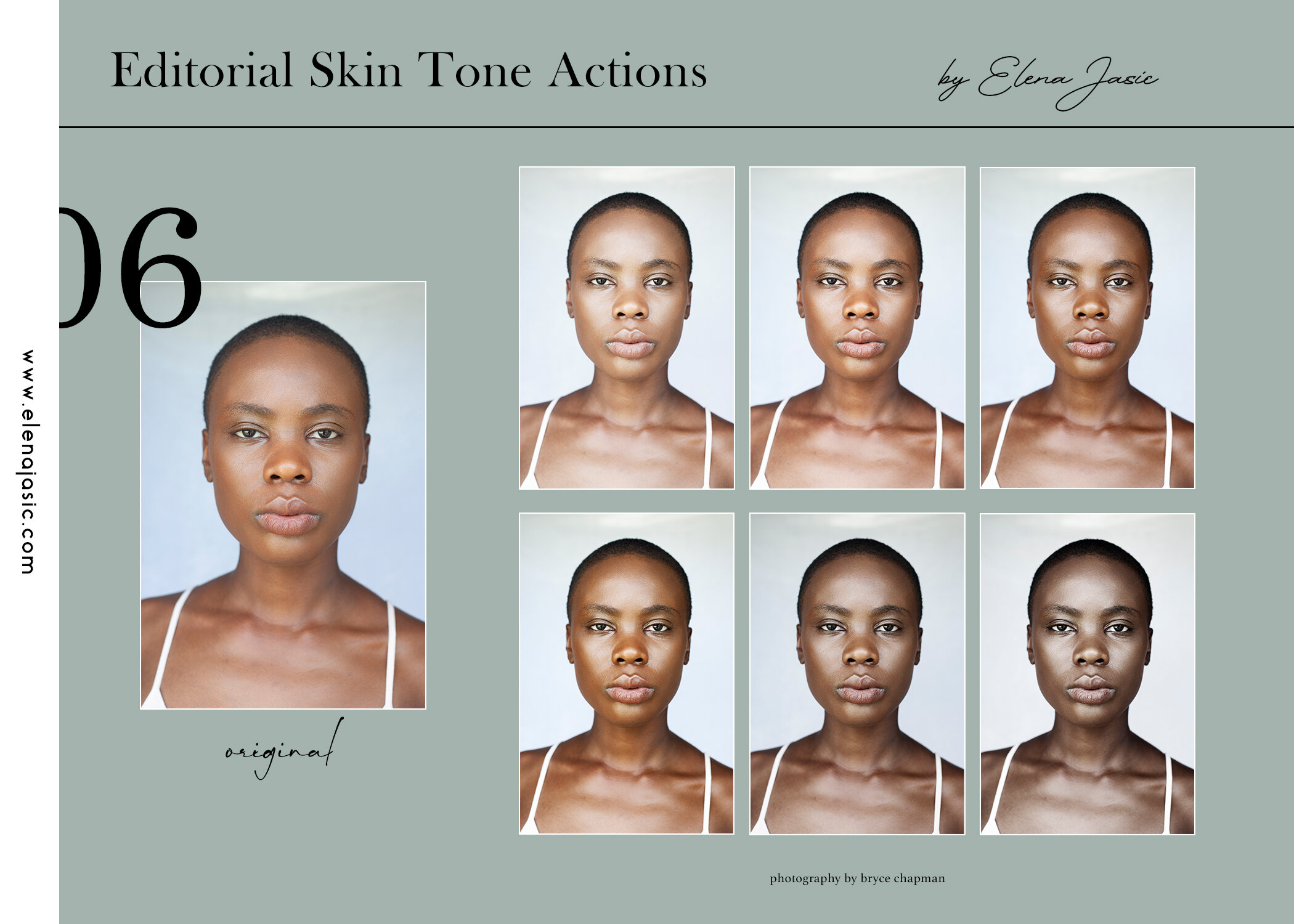
Welcoming my Editorial Skin Tone Photoshop Actions and showing you how I color grade my images using them!

In this post, I’m going to share with you my system for organizing & archiving large amounts of instant film photographs.

In this post, I’m going to share with you all of the knowledge I have when it comes to getting published in fashion magazines via submitting your work. Includes a FREE Submissions Email Template.
